

SMP Companion
A collection of client-side mods that adds many quality of life features of modded games but it is meant for a vanilla SMP server without giving the player an unfair advantage.
 596
596
Quick challenge
How far can you run before the mobs catch you?
Minecraft check
Confirm your run
Complete the quick check to get your code.
SMP Companion
SMP Companion version 1.0 is for Minecraft 1.21.1 and version 2.0 is for Minecraft 1.21.5, which includes controller support.
The goal of SMP Companion is to provide a suite of vanilla plus mods that are considered safe to use on a public SMP Survival or PVP server. It has a few quality of life tweaks and HUD overlays that is intended to make the vanilla server experience more fulfilling. There are no cheats and no unfair advantage given to the player.
For performance tweaks, there is Sodium and Lithium makes it ready for shaders to be installed. The UI has JEI, shulker box tooltips, apple skin, light and chunk border overlays, InventoryHUD, and HUD Coordinates that can be customized to the player's preference.
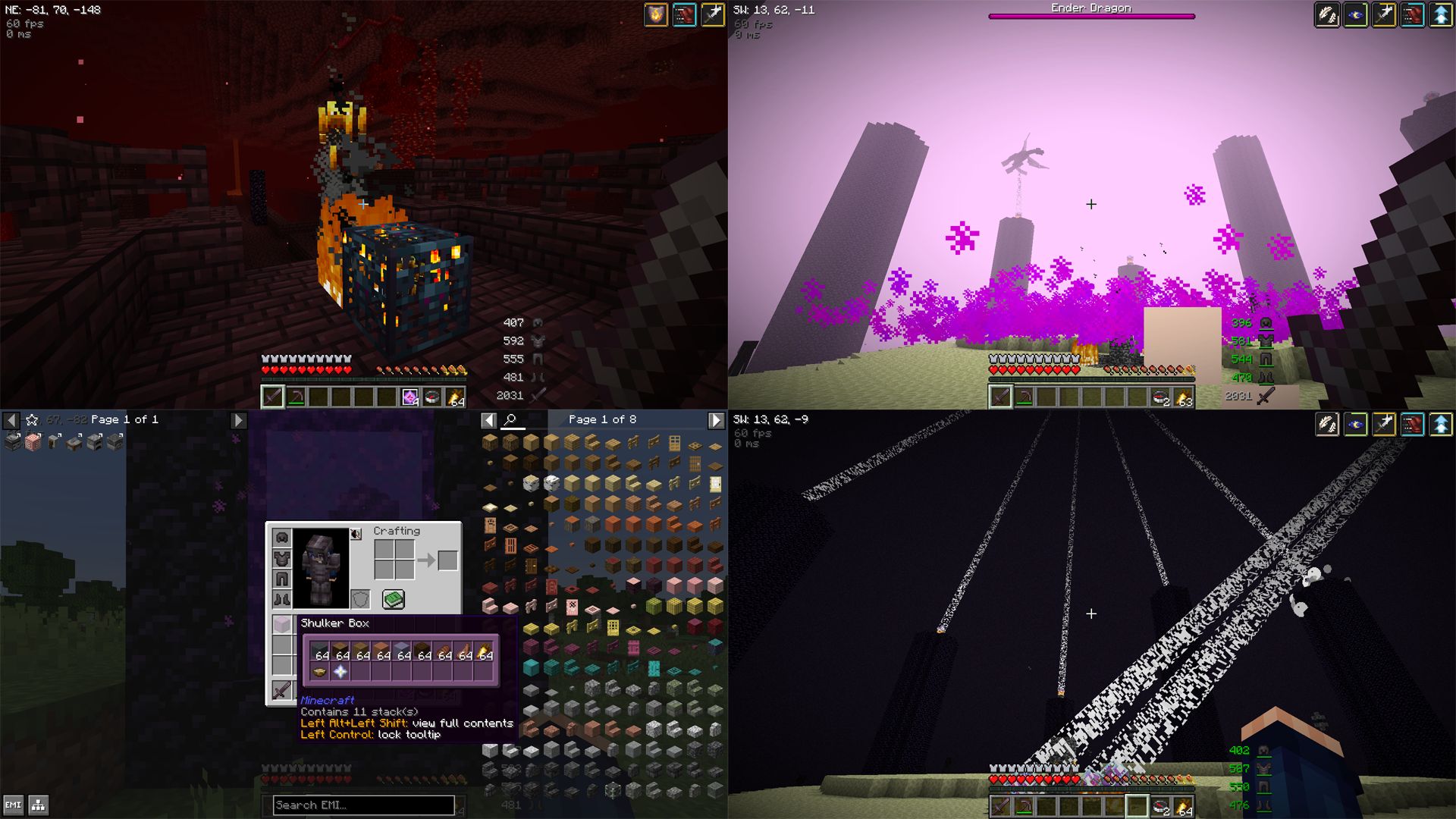
For better and easier building, a community edition of Litematica has been included. For added customization options there is the extreme sound muffler that allows the player to pick and choose which in-game sound effects they want to hear or mute, and for easier communication, there is a simple proximity voice chat included.
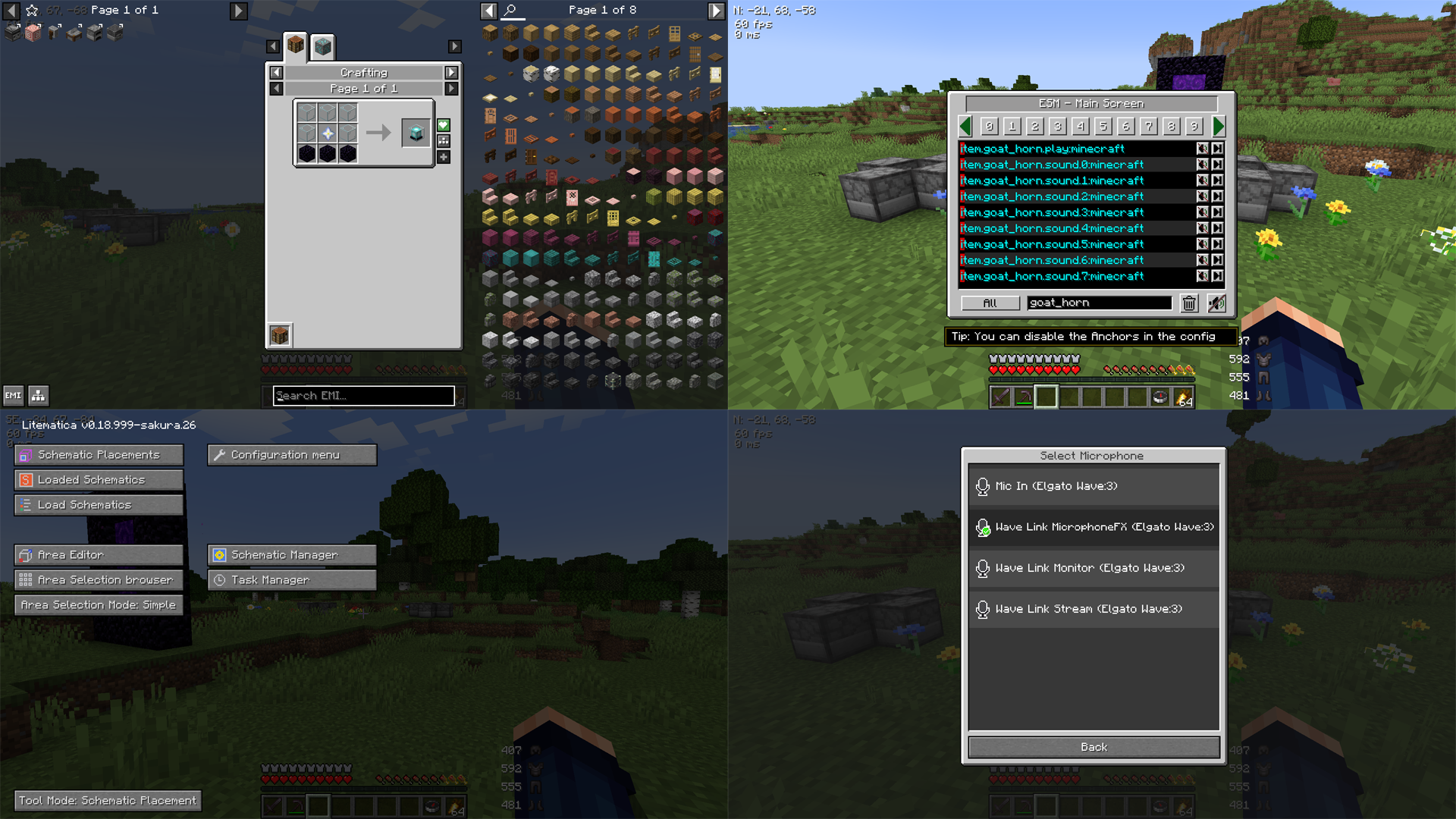
This modpack has no affiliation with any server and it is free to use and modify to suit the player's or server's needs.
SMP Companion User's Guide
- To zoom in, press (Period) - For Coordinates and Direction to show, have a - To toggle Light Overlay, press (Period) - For Coordinates and Direction to show, have a - To toggle Chunk Boundaries, press (Period) - For Coordinates and Direction to show, have a - The push to talk button is (Period) - For Coordinates and Direction to show, have a (Tilde) - To enter your voice chat menu, press (Period) - For Coordinates and Direction to show, have a - To open your Litematicia HUD, press (Period) - For Coordinates and Direction to show, have a - To toggle Inventory HUD, press (Period) - For Coordinates and Direction to show, have a - To select Shaders, press ** (Period) - For Coordinates and Direction to show, have a Left Alt (Period) - For Coordinates and Direction to show, have a . (Period) - For Coordinates and Direction to show, have a compass** in the inventory
